Week 29: Figma Teaching Week 1

J.Gong
2026-07-24
2.05min
Week 29: Figma Teaching Week 1
This week, I got a job to teach “Design System with Figma and AI”. The slides can be checked here.
The course is separated in three parts.
- Foundation of Design Systems
- Building Design Systems
- Application, Audit and Communication
The first two parts are taught this week.
Foundation of Design Systems
Introduction
The first day, we talked about:
- The history of design systems
- Prototyping tools
- Usage of Figma Chrome Extension
- Use Lovable, v0, Bolt.new and figma make to make designs
- Designs for different platforms, including web, mobile, watches, car, TV and XR.
The learnings:
- FigJam
- Figma Chrome Extension
The first day of work is to make one plan of your personal design. Make a structure of one page(wireframe, with current design systems or using AI), describe what you want to make.
Be Careful Some students may focus too much on the AI. Should let them do one design is fine. And make sure the pasted structure is not a screenshot, it should be editable.
Design Tokens
The second day, Design Tokens, majorly focusing on:
- Figma styles and variables.
- The importance of semantic naming.
- How design tokens were gradually formed.
- How to create Design Tokens in Figma.
- How to use Design Tokens in Figma.
- How to make color palette
- How to use AI to generate size/space tokens
The learnings:
- Figma Styles
- Figma Variables
- Material Theme Builder
- Color Wheel
The second day is to apply the design tokens on the structure page built in the first day.
Be Careful The AI can not generate a token file correctly, need a example JSON file. And students will try to use AI generated color palette, which can be hardly used.
Building Design Systems
Atomic Design
The third day, we talked about atomic design.
- Modern Workflow from design to dev and publishing
- Version control
- Use figma to build atoms
- Atoms in the design systems
- How to use the atoms in the current design systems
The learnings:
- Zeplin
- Figma Component
- Figma Variants
The third day, students should list the atoms that will be used in their page. And build one component set of one component.
Be Careful The students should push their work on zeplin before working and after, to see the difference between v1 and v2. So the students can understand the importance of version control.
Atomic Design with Layouts
The fourth day, before we head to more complex components. We need to learn layouts.
The learnings:
- Figma Rulers
- Text Alignments
- Auto Layout
Then we start to make more complex components.
The learnings:
- Instance swap
- Slots
This day, students need to make a complex component, like a card or a dialog.
Team Up
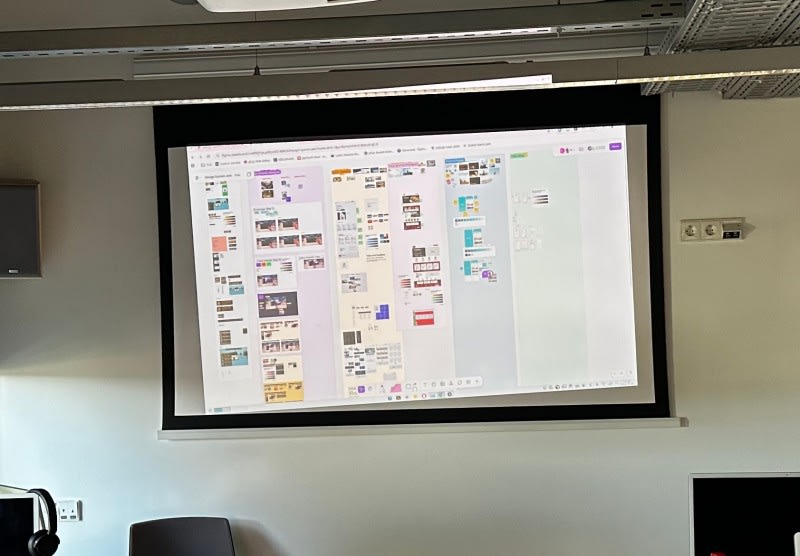
The fifth day, students should finish their first page, and make their future plans, list the design tokens and the atoms.
I am quite satisfied with the results. Eventually we got four finished projects:
- An XR Music player, with tuned Horizon OS UI
- A job seeking website, with his own design system
- A mobile food delivery APP, with Apple iOS UI and his own design system
- A mobile weekly journal APP, with AI generated(figma make) design system
The voting logic is that each one have three tickets (1, 2, 3), they can put the score into the top 3 ideal projects (own project excluded). The highest two scored projects will be developed next week.
Finally, the Weekly Journal APP and the XR Music player will be developed next week.
Be careful Make sure they make the real components with variants in design. May be allow them to pitch with their own device instead of using the jam board.