Week 30: Figma Teaching Week II

J.Gong
2026-07-31
3.31min
Week 30: Figma Teaching Week II
This is the 2nd week of my Figma teaching. The slides can be checked here.
This week I have four teaching days. This week, the students are working on their own project, all the teaching contents are not mandatory to be shown in the project.
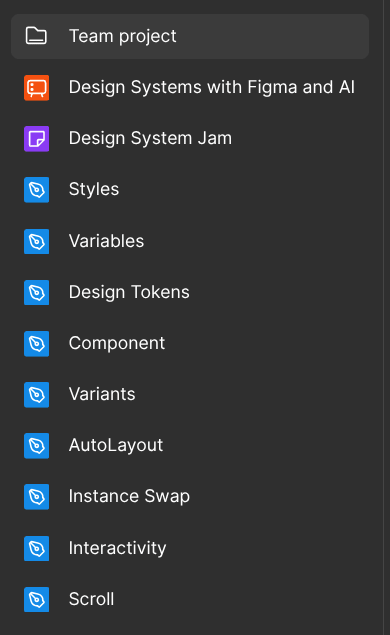
- Hand off, A11y and i!8n
- Prototype & Interactions
- Brand Identity
- Test play
 |  |
Hand Off
Besides Zeplin. I also mentioned the following ways to hand off.
- Figma Measure
- Dev Mode
- Figma Export
Hand off is an important skill for designers to deliver their design to the developers and stakeholders.
Accessibility(A11y)
A11y, I talked about color contrast.
To further describe the importance, I introduced a disability simulator, Funkify. And screen readers on Windows, it is Microsoft Narrator, on Mac, it is Voice Over.
For annotation, I introduced the Web Accessibility Annotation Toolkit.
Finally, after the MCP part, I introduced google lighthouse, and how to do a11y validations on chrome.
Internationalization(i18n)
The CopyDoc can export all the texts to excel, let the designers to hand off textual content to translation team.
If there is no translation team, google sheet also offers translation feature. After applied the translations, the designer should check the long words. And if some fonts in some languages are too small to read.
Besides translation, for RTL (Right to Left) languages. All the components are needed to reverse layout. The way to do that is to make a RTL variants for all the components.
MCP
This is more developer’s job, so it is not needed for students to understand. Still I introduced how to integrate the figma’s remote MCP to the local AI agents.
If there is no development environment installed. They can use bolt.new’s figma integration to build the page.
This part is to simulate when the development finished. How the designers check the final work. Google Lighthouse is introduced here as a helper for checking accessibility.
Prototype
This part is to teach about adding flows and using the figma’s prototype function. Two features are introduced and they are needed to add into students’ projects.
- Switching pages
- Scroll Behavior
Brand Identity
In this course, the students are going to swap their designs. As a design system should be able to show the brand’s identity. So the design should not only be able to used in only one situation.
Test play
Each project is asked to make a test object. By observing the test play, the designers need to make changes base on what they observed after the test play.
Conclusion
It is an intense journey. During these two weeks, we started from very basic knowledge of design tokens, building one design system, handing off, A11y, i18n, test play and applying the design system on other cases.
I am very grateful for Tallinn University and Yan Asadchy for providing this chance to teach. And great thanks to the talented students. For their courage in challenging in unknown projects. So that my education can be tested and improved.
Eventually, the four projects:
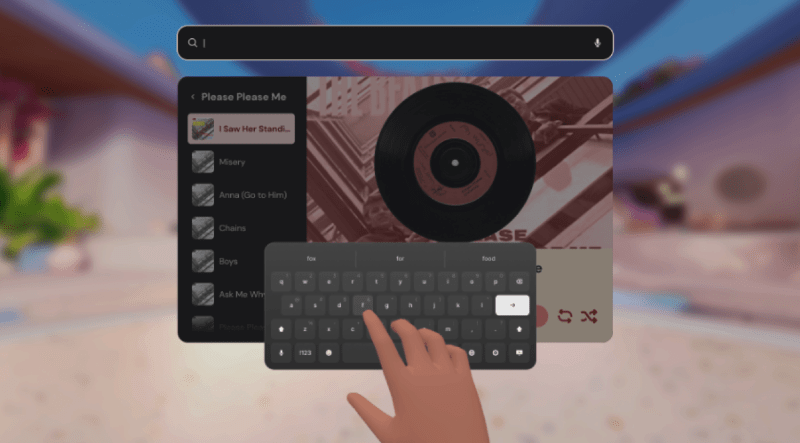
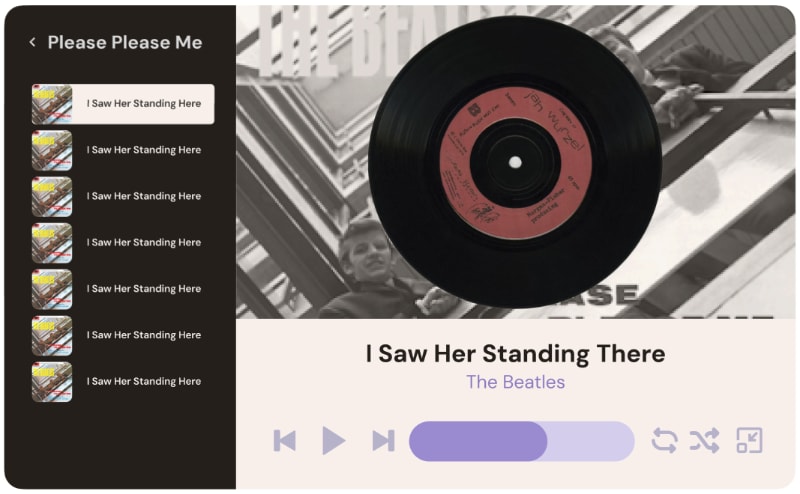
An XR music player, by Abigail Adrianne Dubouzet. The design system is derived Meta’s Horizon UI. And it can also used on mobile platform.
 |  |
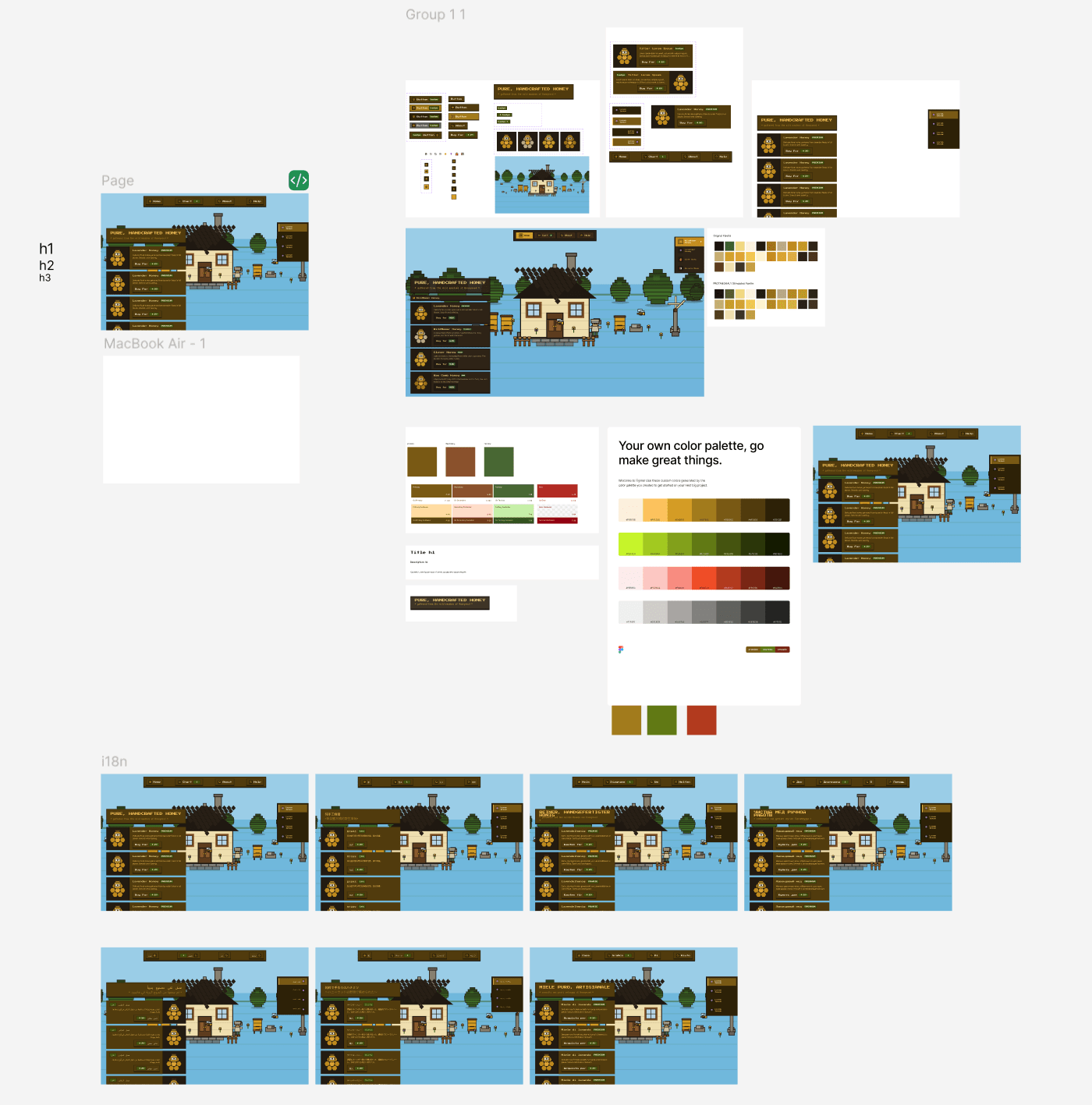
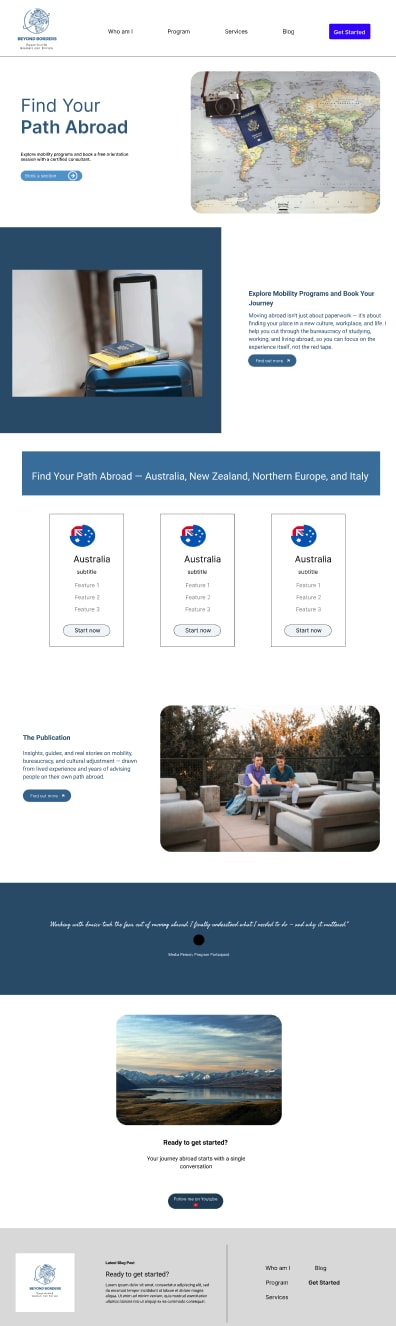
A web blog, by Enrico Armenia. The design system is built from wireframe. And it can be used on mobile platform.
 | 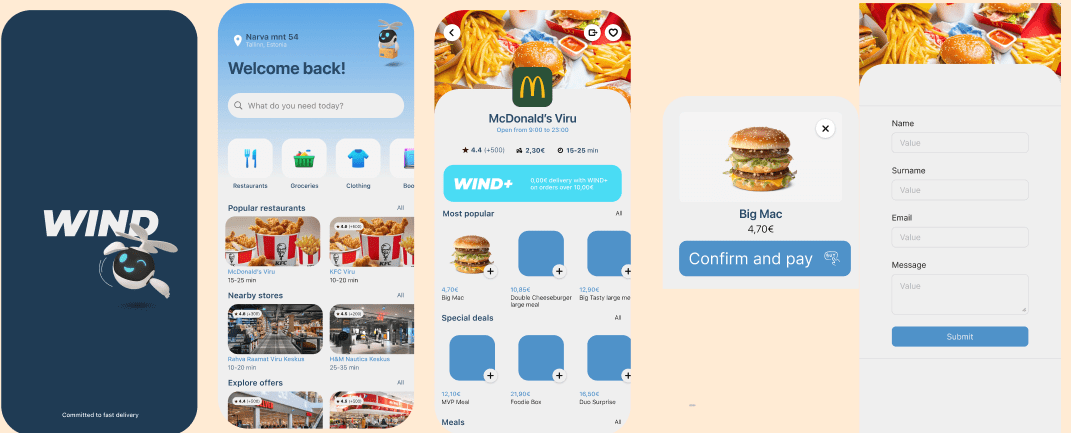 |
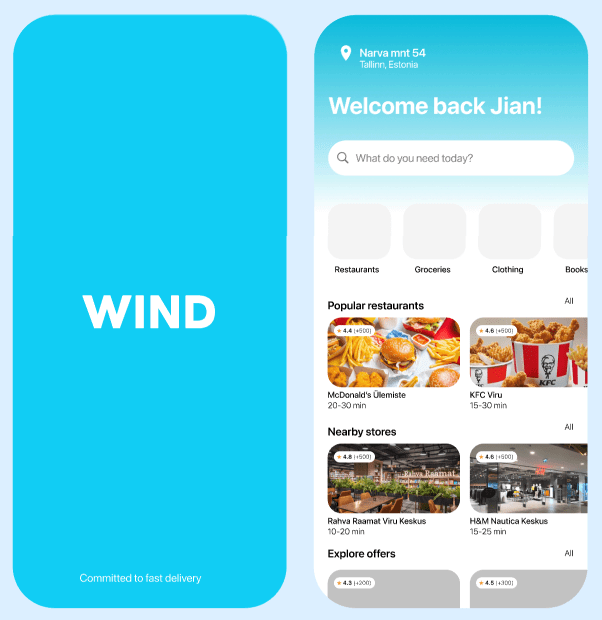
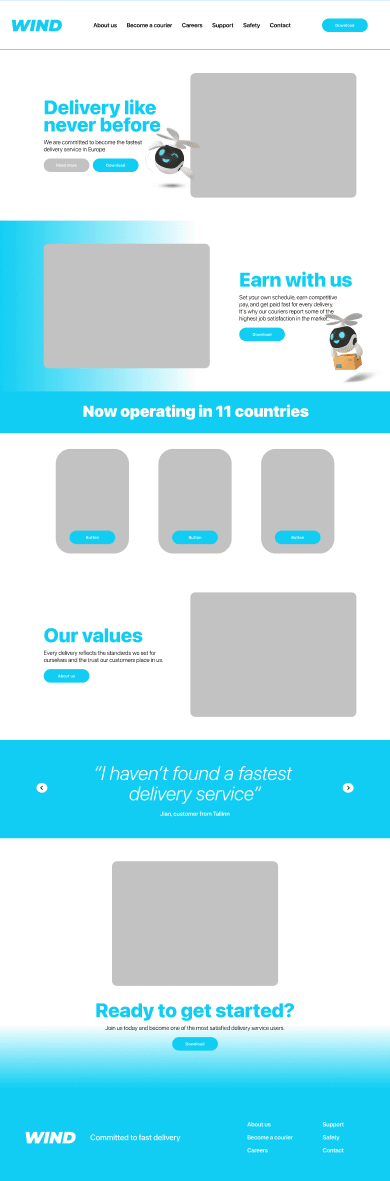
A mobile delivery mobile APP, by Preston Fossati. The design derived from Apple’s iOS UIKit, the design system can be also applied on desktop web platform.
 |  |
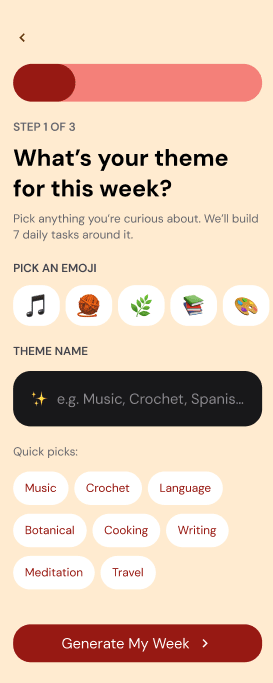
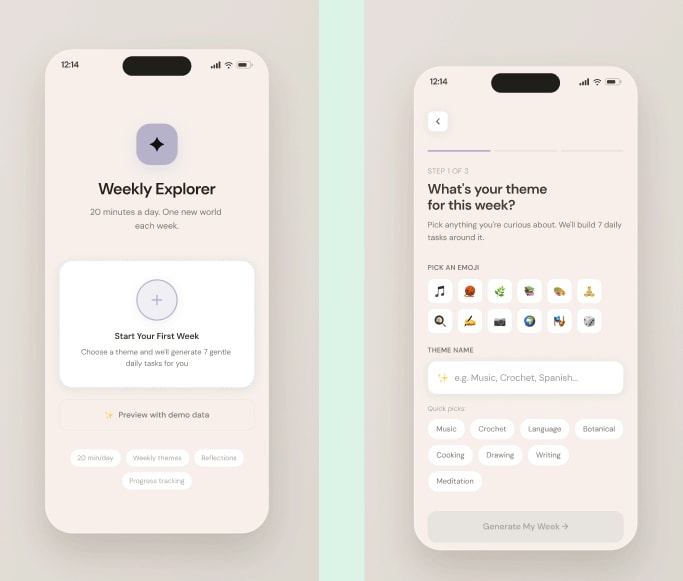
A mobile weekly diary APP, by Yifei Wang. This design system is built with the help of Figma make. It is also suitable for XR environment.
 |  |
In retrospect, because there is an XR project. In A11y some content should be mentioned:
- Using vignetting to solve XR motion sickness
- iOS’s Vehicle Motion Cues
As there are mobile projects, one thing should be mentioned in AutoLayout course. It is the virtual keyboard.
Some other thoughts, because of the rising of AI generation tools. The education is challenged.
As I mentioned last week, during these weeks, AI on design was taught in two ways:
- Use AI to generate a project, then make it into a design system.
- Use AI to generate space/size tokens, then apply the tokens to the project.
For method (1), the students’ work needs further checking, to make sure the components and variants were built, not screenshots.
For method (2), make sure the student use the color wheel for color tokens. And because AI relies heavily on its memory. The result differs. Should provide an example for the students to use for the AI.
In the final projects, there is a Chinese student, who is without any design knowledge, but still can build a proper project with the help of AI. There were not only one student tried the AI way, but this one is the only one that finally worked. She has got askill of harnessing the model while other student does not have the concept. From this small example, I can see that the AI tool usage education or popularity in China is more advanced than other countries. So, there will be a new market that allows the AI generated designs.
Party Night
After the last class, I went to Linnahall to enjoy the 27 degree summer. Finally, a week that is over 20 degrees.

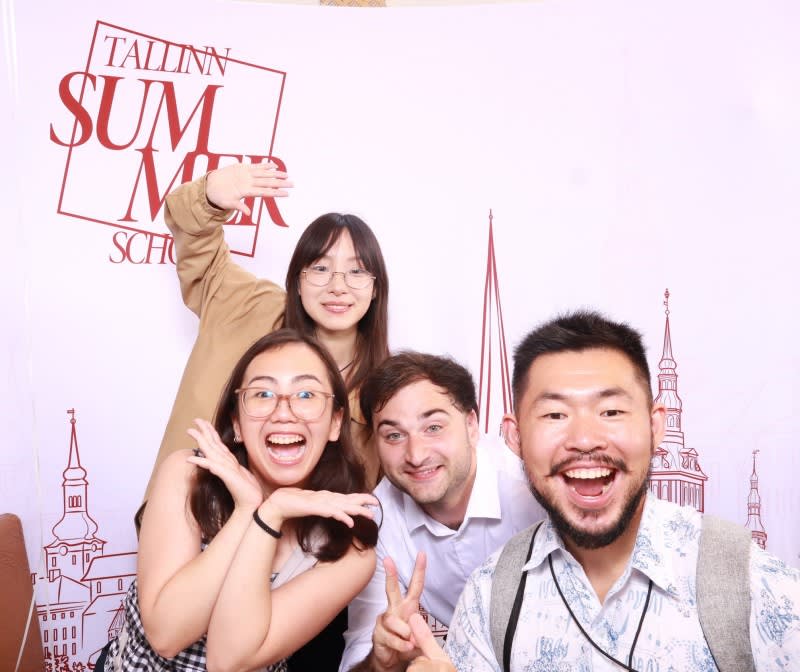
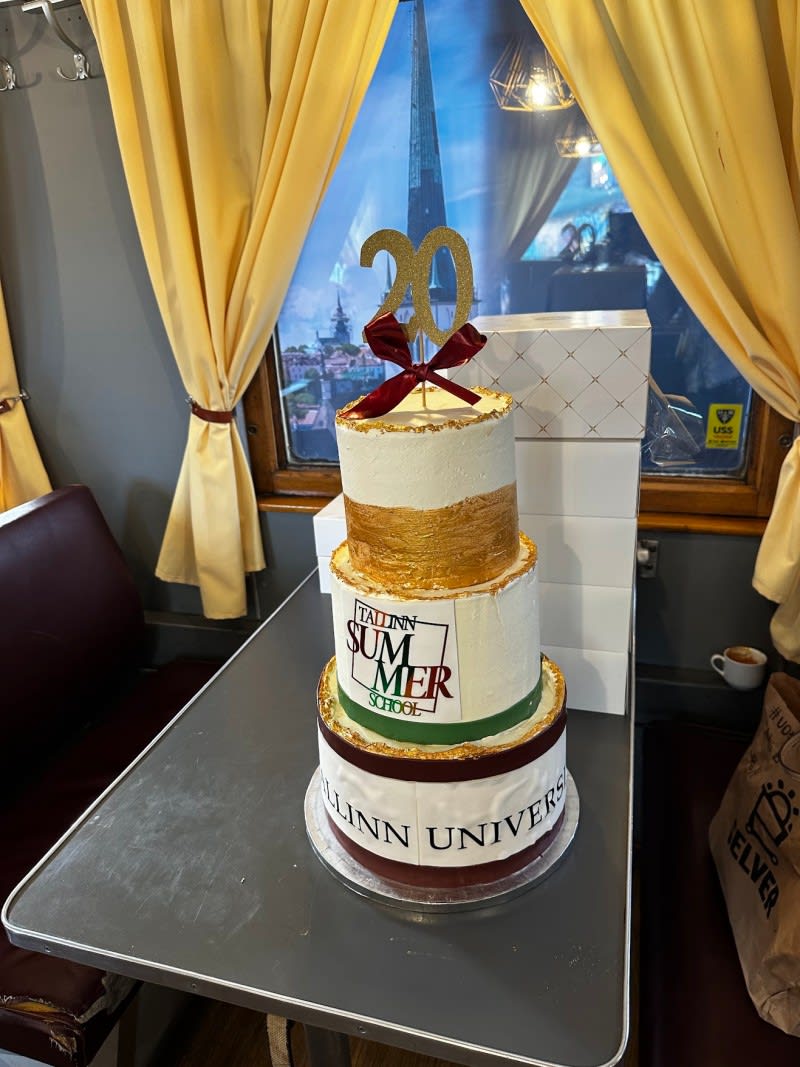
Also, this is the 20th Summer school of Tallinn University. The course ended with a big ending party.