🧵 Week 43: Hunyuan 3D Adventures

J.Gong
2025-10-17
1.69min
🧵 Week 43: Hunyuan 3D Adventures
Two weeks ago, I mentioned that I was diving into a project involving 3D printing — and I’ve already finished the 3D scanning part. 🎥✨
At the end of that blog, I left myself with 3 burning questions 🔥:
❓1. How to convert point clouds (from Luma 3D) into meshes?
Turns out, Luma 3D does provide mesh export! You can download a *.glb file with High, Medium, or Low Poly Mesh options.
However… while these meshes look fine for display, they’re not quite ready for 3D printing — lots of moise and messy topology. 😬
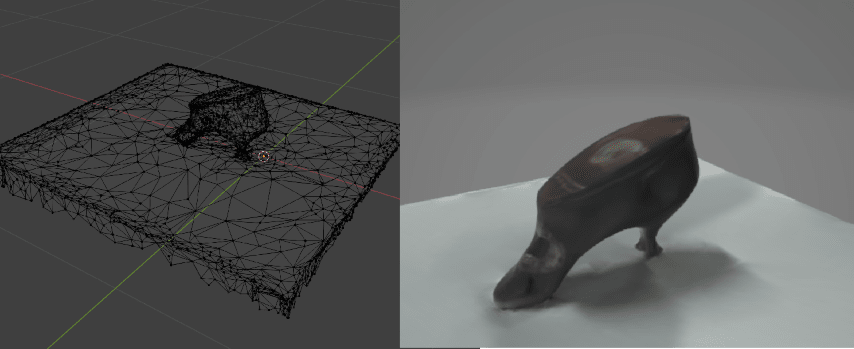
❓2. How to correct tilted mesh scans?
That’s where Blender comes into play — I’ll dive into that later in this post. 🧰
❓3. How to stabilize exhibits during scanning?
Unfortunately, we couldn’t reschedule a rescan session, so this question remains… unresolved 😅
🧠 Hunyuan3D — AI Meets 3D Modeling
In my last blog, I briefly mentioned 3D AI generation — and here we are.
Hunyuan3D is an open-source 3D AI generation model created by Tencent. You can find it on Hugging Face 🧩
But if you just want to try it out, the official website is the easiest way to go — with 20 free generations per day, each taking about 190 seconds ⏱️
Just upload one or more pictures of the object you want to generate — simple as that!
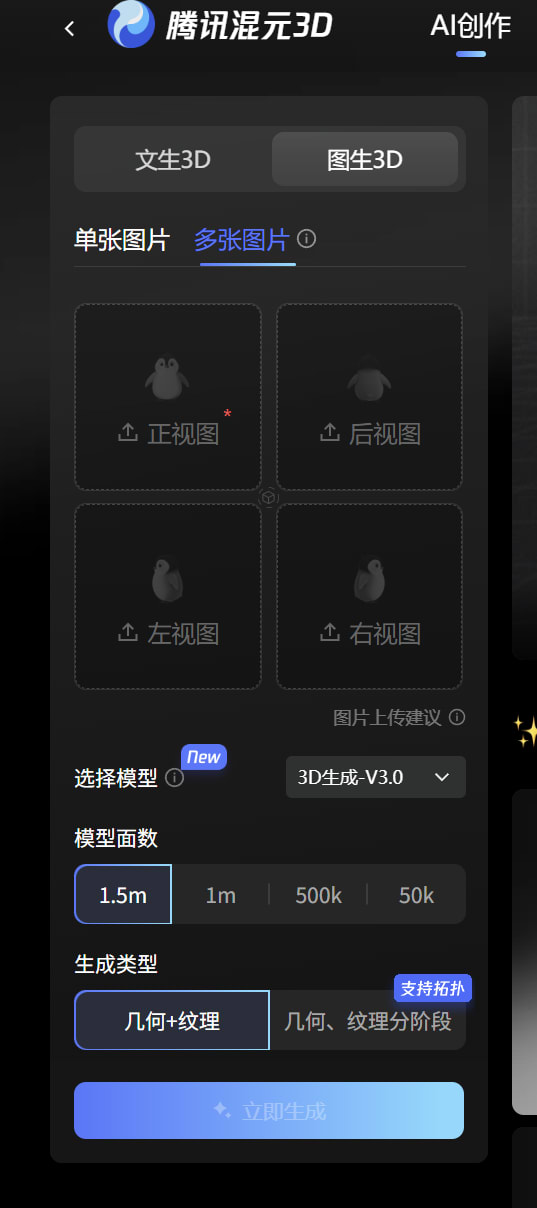
And amazingly, my first try worked perfectly! 🥳
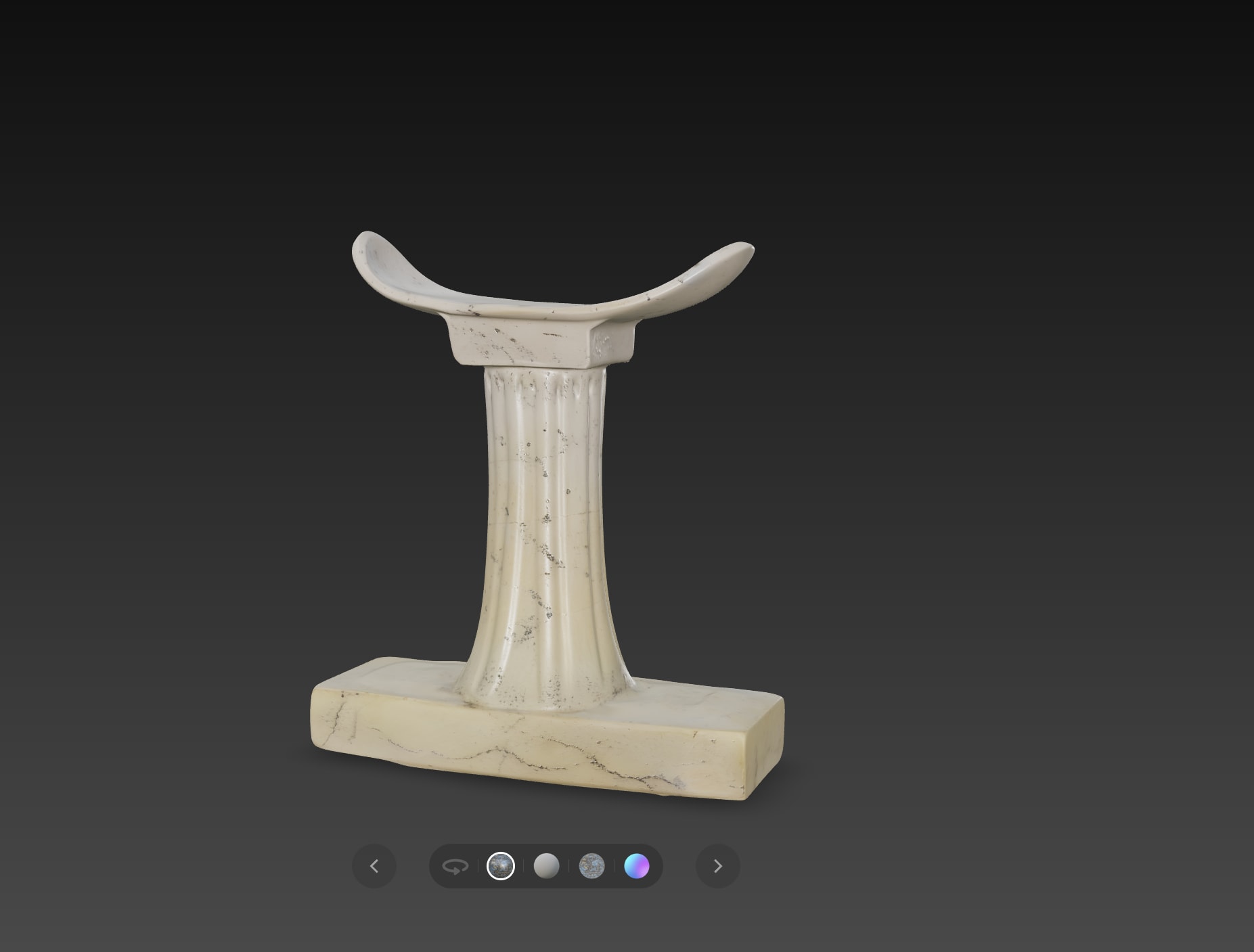
But… it turned out to be beginner’s luck 🍀
After that, Hunyuan3D started hallucinating objects like it had just woken up from a weird dream. 🤯
🥾 Example: The Shoe Ornament Disaster
The first generation? Terrible. 👎
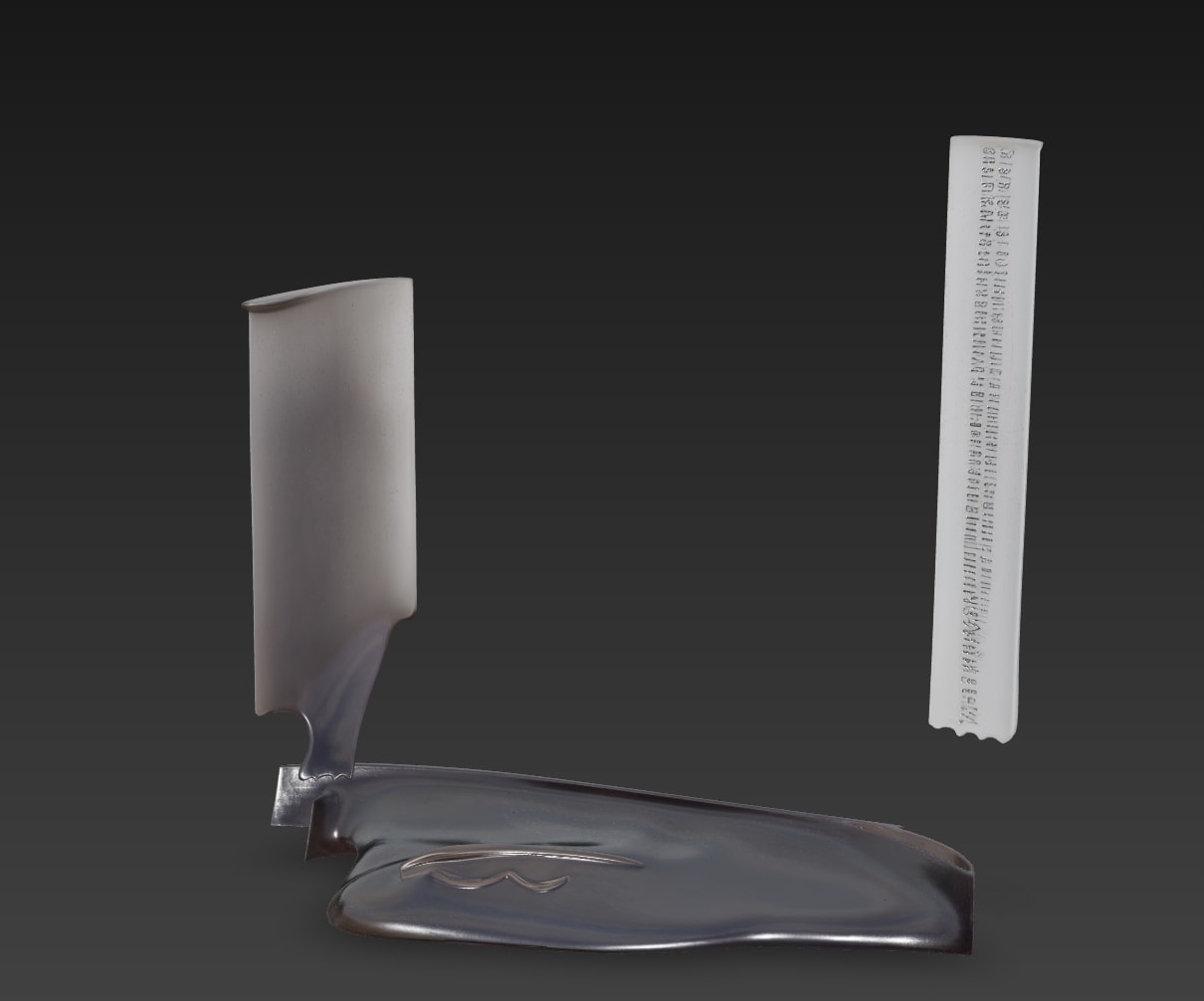
So I tried again — this time removing the ruler, keeping only the main object. Still not ideal. 😤
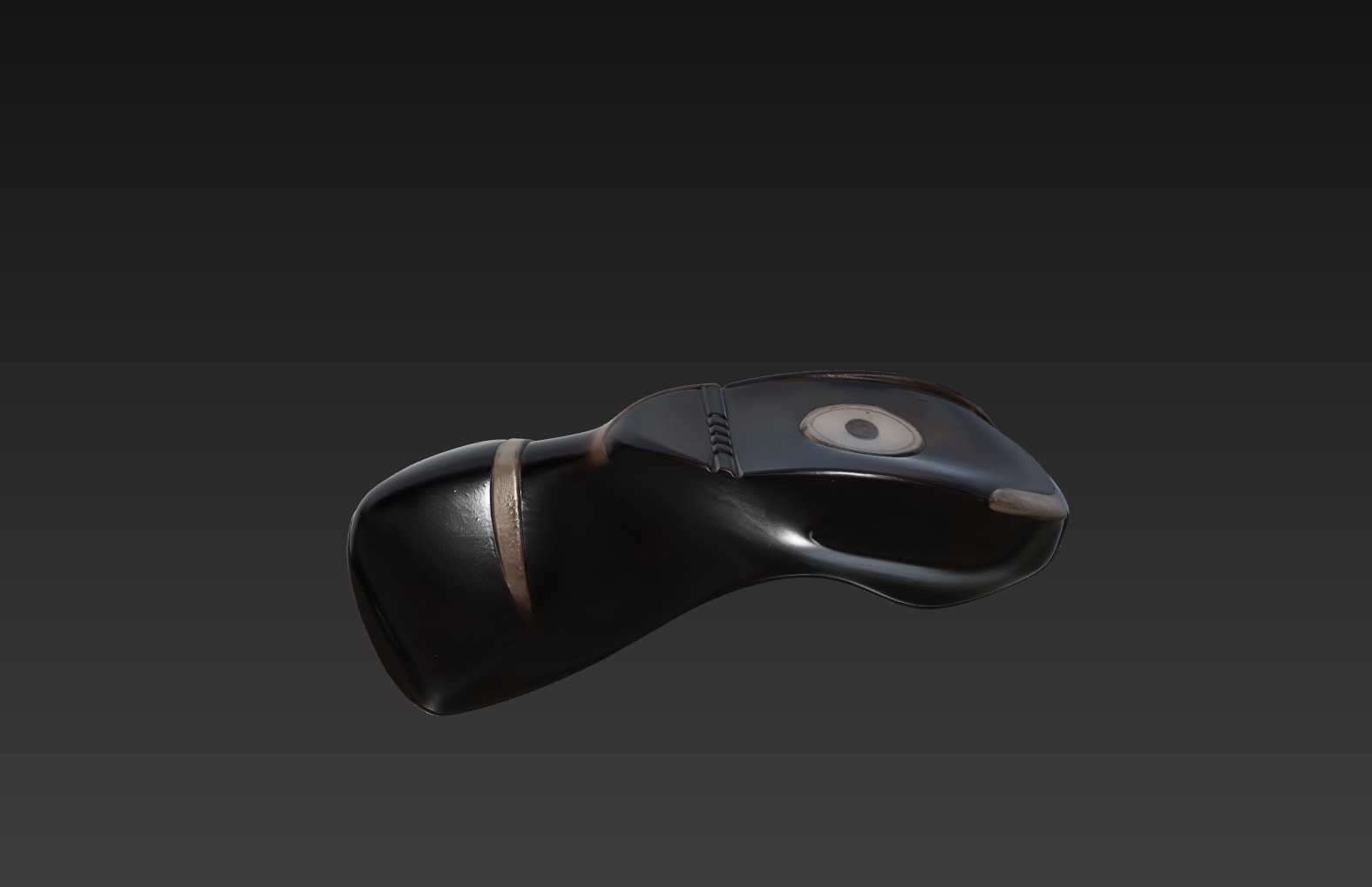
The good news: You can try 20 times a day, tweaking angles or contrasts until something decent appears.
In this example, the decoration (orange mark) was tilted — better, but not perfect.
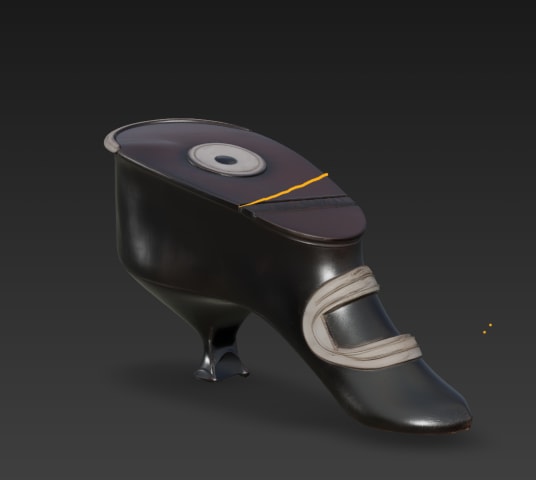
🧱 Fixing the Tilt in Blender
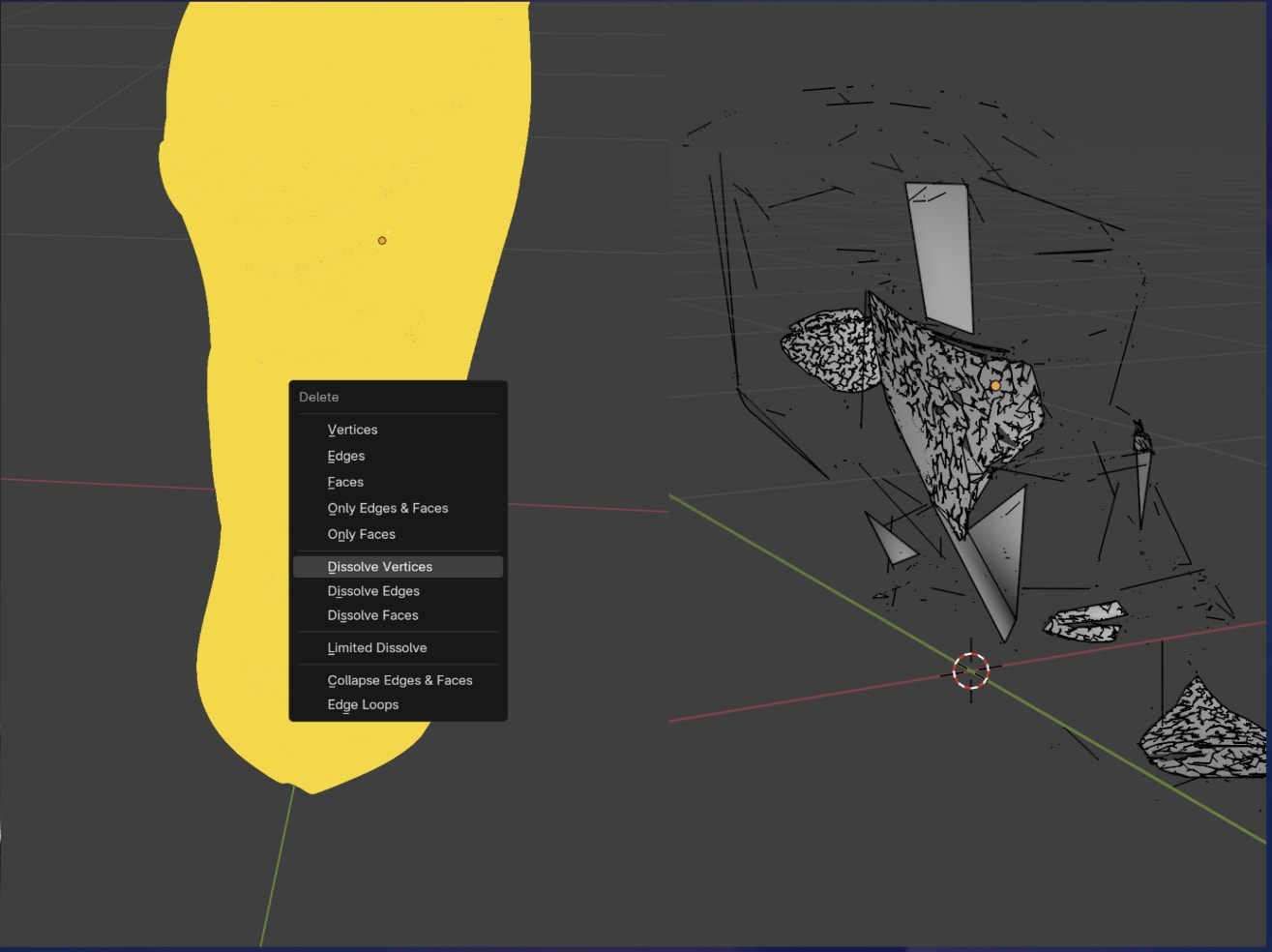
I thought: “No problem, I’ll just fix it in Blender.”
But the AI-generated model had millions of disconnected vertices — when I tried dissolving them, the entire object fell apart like a croissant. 🥐💥
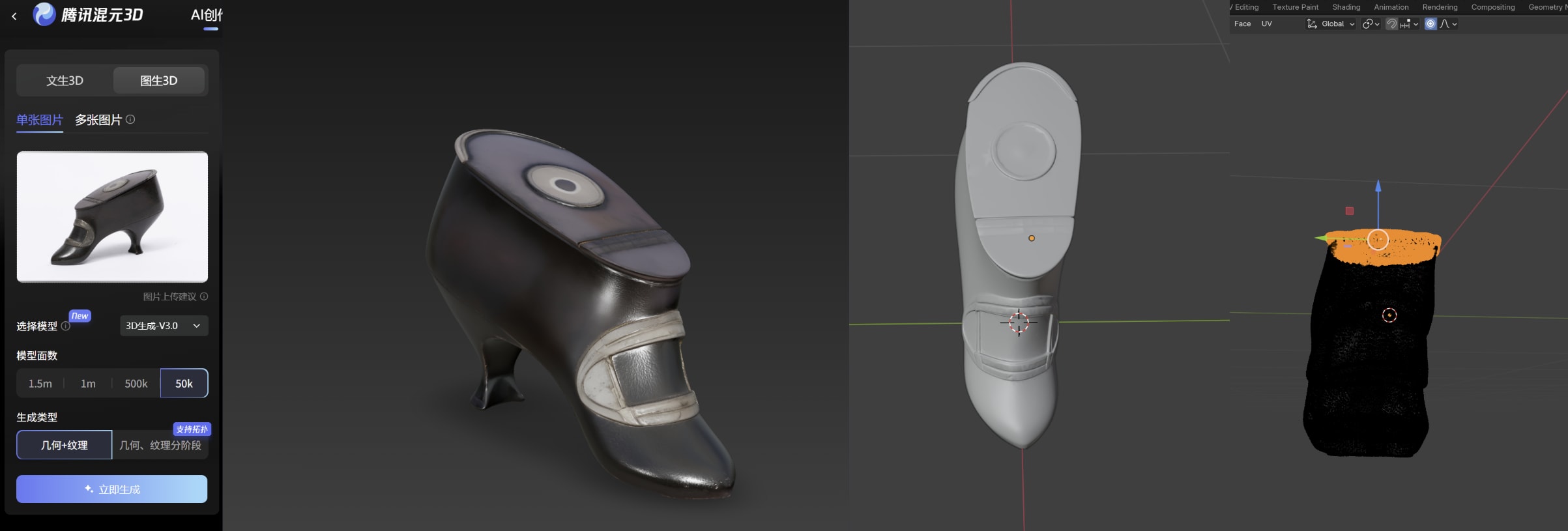
So I tried again, this time generating with 50k vertices instead of 1.5 million.
Much better — just a bit of tilt correction needed! 🙌
🔍 Matching the AI Asset with Real Scan
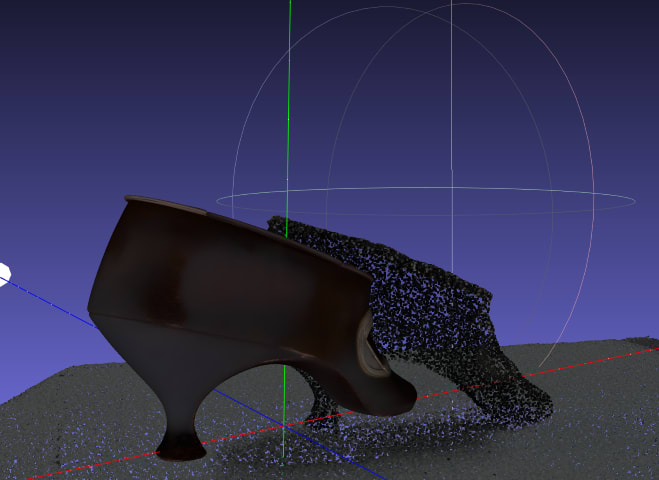
To ensure the new asset matches the real object, I used MeshLab to align the AI-generated mesh with the 3D-scanned point cloud. Perfect for validation ✅
🐾 Bonus: The Scratcher
Using the same process, I digitalized the scratcher too 🐾
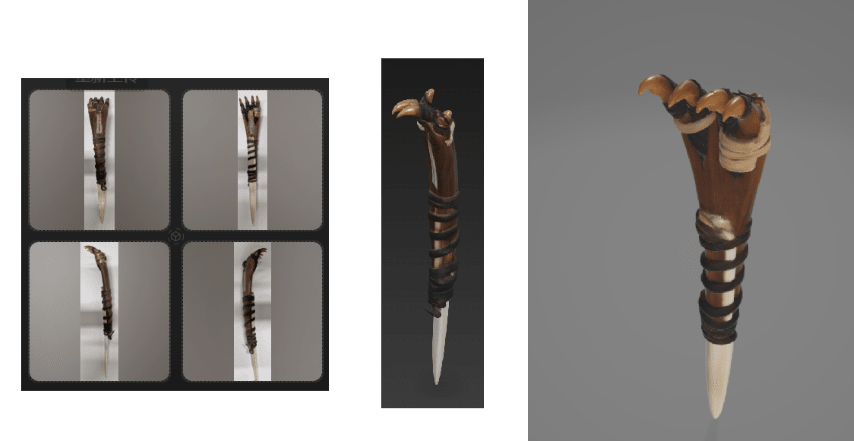
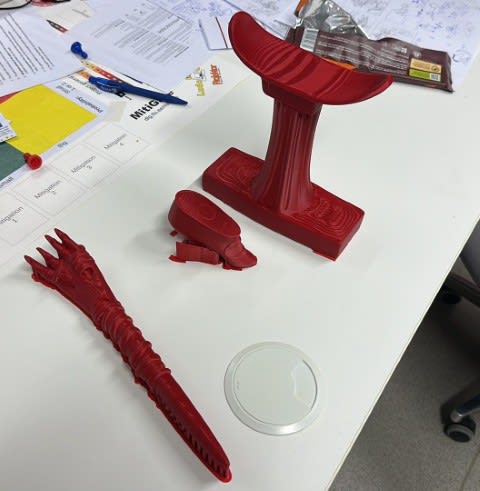
Then, I resized it to match the original, exported it as an .stl, and printed it with PLA using an FDM 3D printer. 🖨️🎨
🎨 What’s Next
Next step: polishing and coloring the prints!
That’s going to be the topic of the next blog — stay tuned! 🌈🪩