
J.Gong
2026-01-30
1.01min
Creating the “Tiny Planet” Effect
While traveling lately, I’ve been hoarding panorama shots like souvenirs. 📸 Looking at them all, I decided it was time to bring back the “Planet Effect” (Stereographic Projection) to give these landscapes a literal spin.
The Evolution of the Orbit 🔄
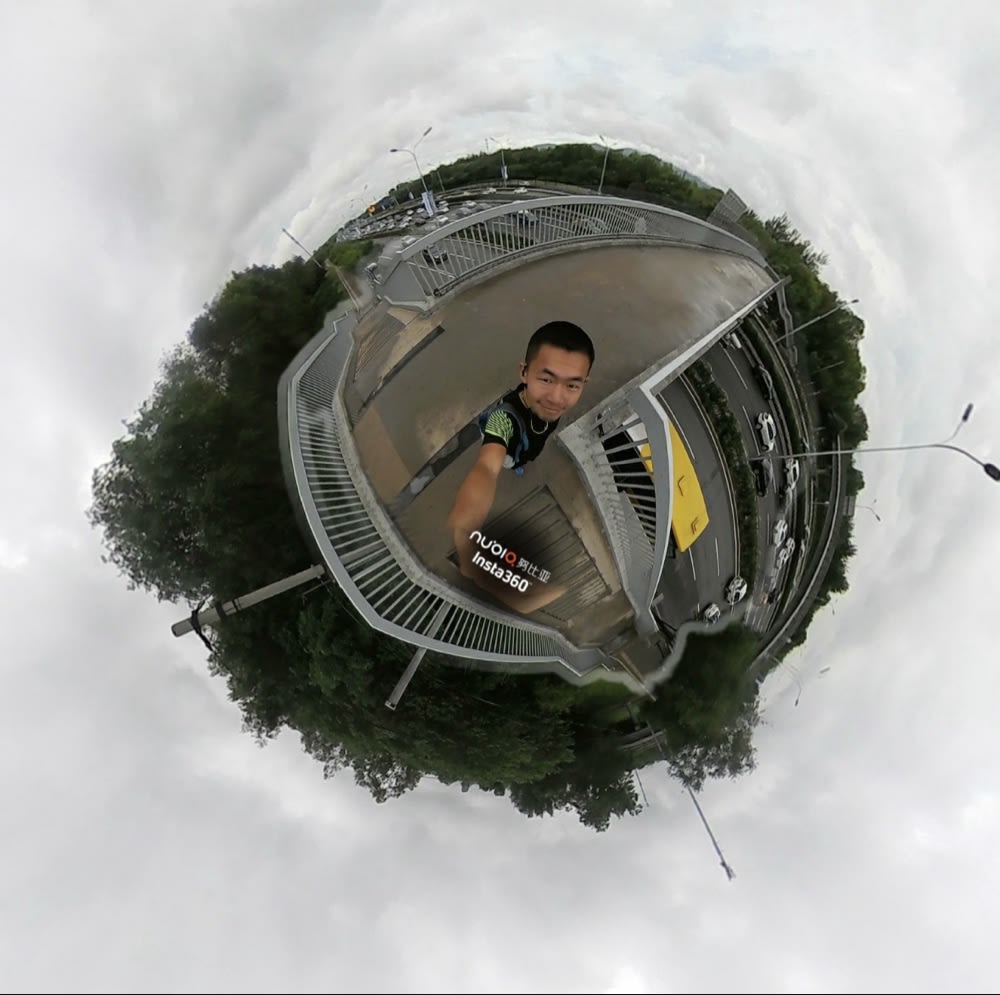
About 9 years ago, I used an Insta360 camera. It was seamless—it captured everything and generated that perfect tiny planet effect instantly. Nowadays, I’ve switched to my Pixel camera. The quality is great, but there’s a catch: it’s nearly impossible to include myself in the shot without looking like a glitch in the matrix! 🥴
The Manual Method 🛠️
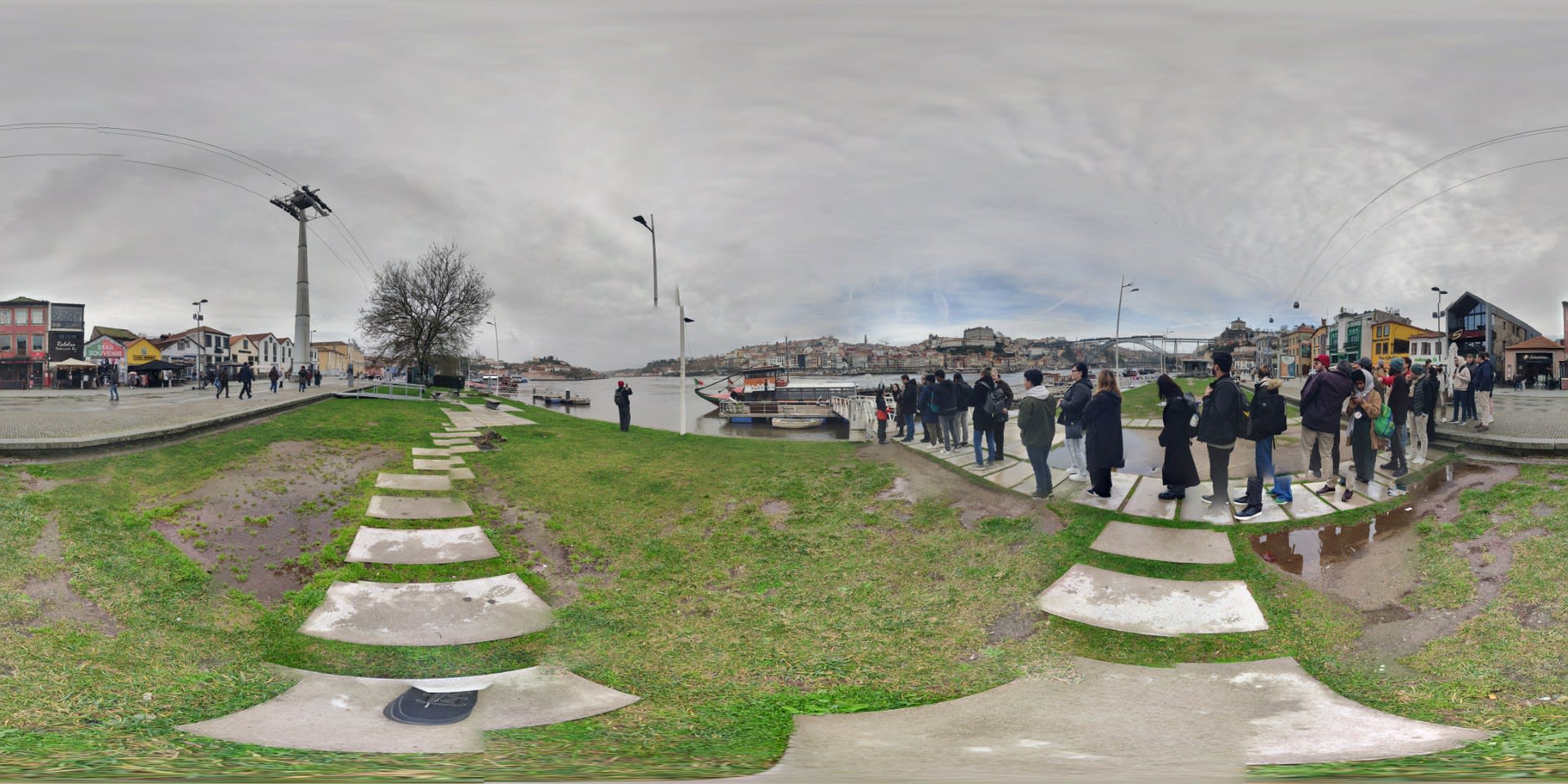
In theory, making a tiny planet is a simple two-step recipe in Photoshop:
- Resize the image into a square canvas.
- Apply Filter -> Distort -> Polar Coordinates.
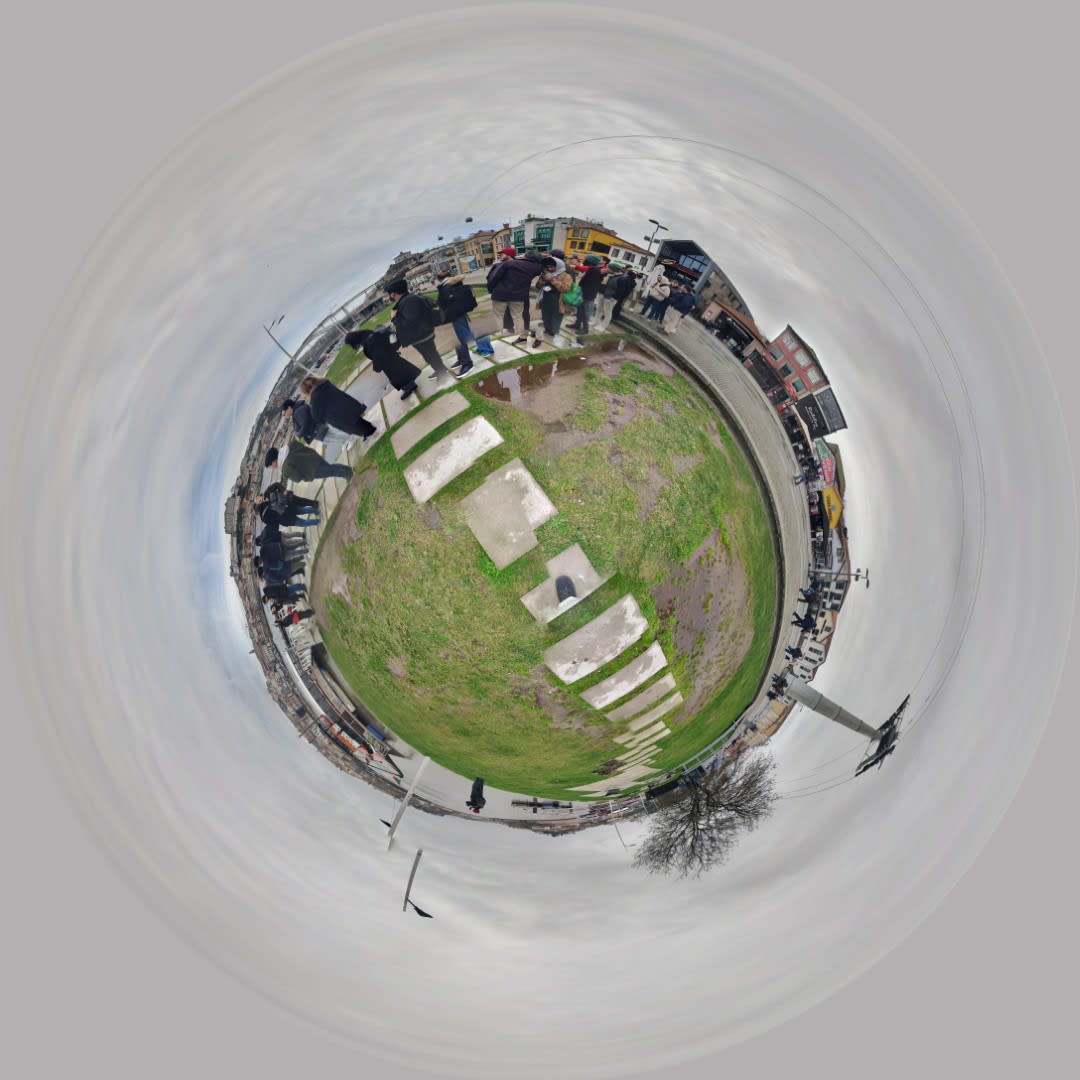
The AI Struggle 🤖
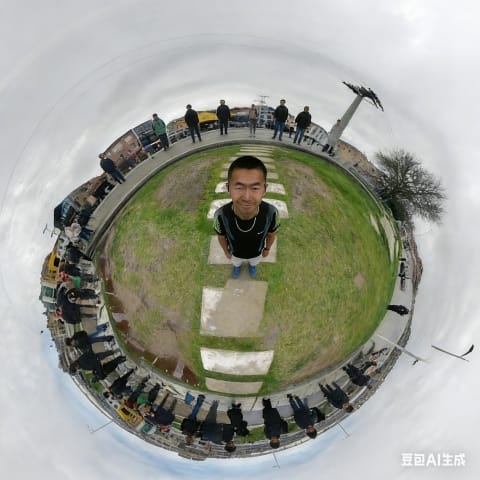
Since I couldn’t get myself in the frame, I figured I’d let AI handle the heavy lifting. I tried to “Inpaint” myself into the center of the planet, but the results were… questionable:
| Gemini | Doubao | ChatGPT |
|---|---|---|
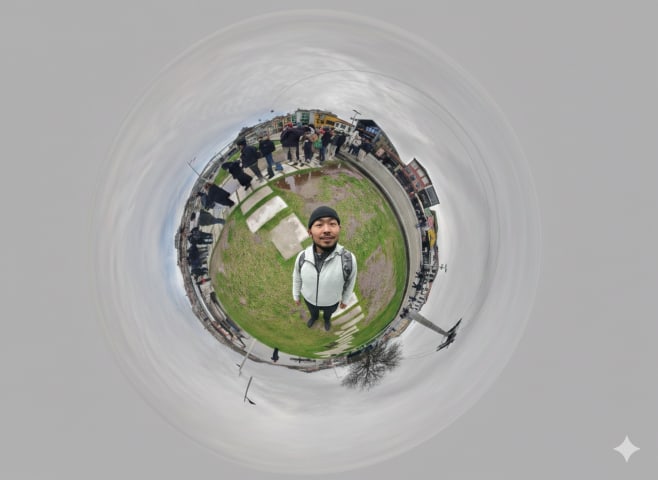 |  | 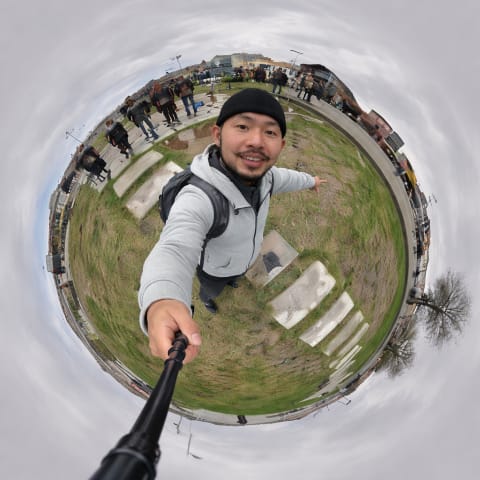 |
- Gemini (Nano banana): Totally lost the plot on my face and positioning. 🎭
- Doubao: Messed up my clothes and features. 👕
- ChatGPT (DALL-E): Got the face somewhat okay, but the background became a chaotic mess. 🌀
The Verdict ⚖️
It turns out that AI still struggles with the extreme distortion of polar coordinates. It doesn’t quite “understand” that the bottom of the image is a single point and the top is a full circle.
It looks like if I want to be the king of my own little world, I’m going to need some old-fashioned manual editing skills. 🎨